
Every stop, on time, recorded.
Journey plans your routes in the office and puts them on your drivers' phones. Arrivals, departures, tasks and proof, with or without signal.
14 days free. No card. C$49 per driver per month after that.
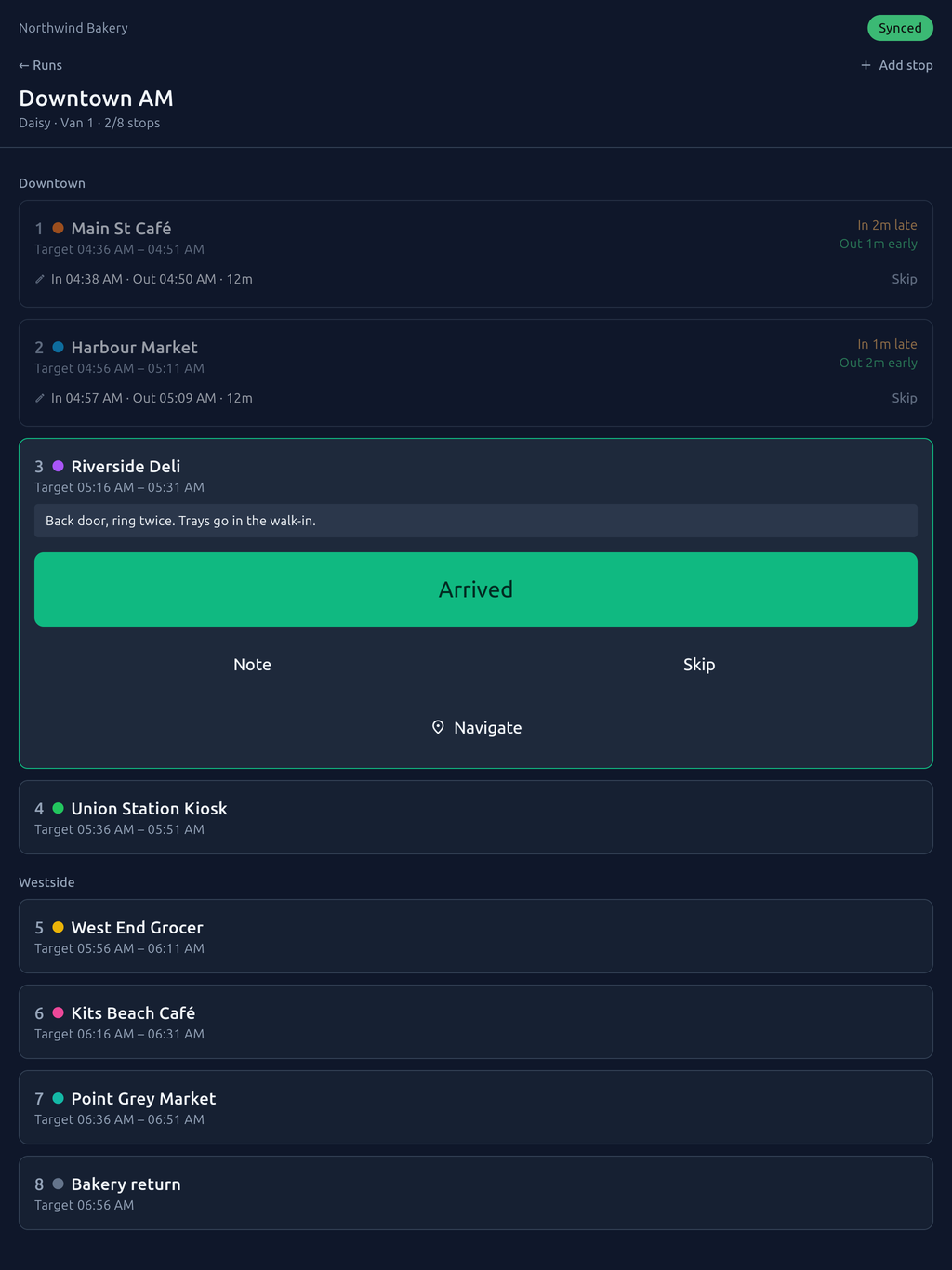
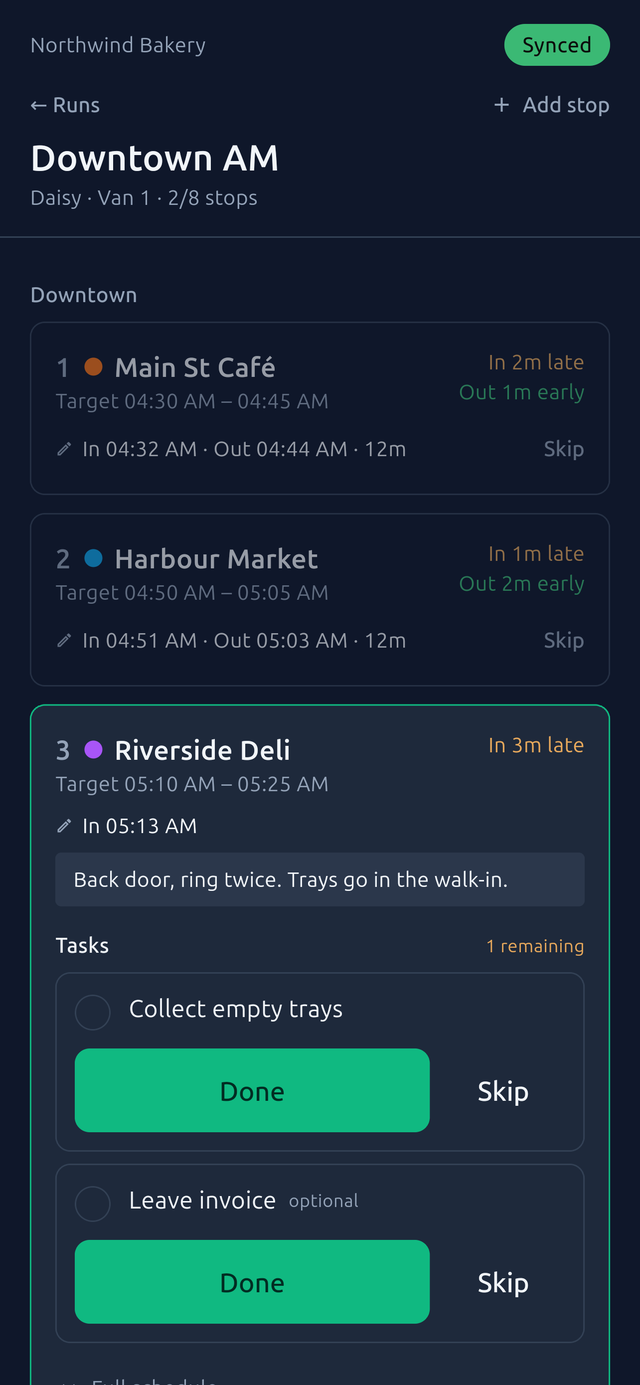
A clipboard tells you what happened. Yesterday, if it comes back.
Journey replaces the delivery tracking sheet with the same columns and one difference: the data is live, so it can answer questions paper never could.
- Paper can't
- Tell you which stop is chronically late.
- Journey does
- On-time percentage and variance by location, route, driver and day of week.
- Paper can't
- Show a manager the route in progress.
- Journey does
- Run status as it happens, without a phone call to the driver.
- Paper can't
- Prove when a delivery happened, or survive a lost clipboard.
- Journey does
- Timestamped, optionally location-stamped records, with every correction tracked.
Plan the route once. Record it every day.
The office plans the route
Stops, target times, rounds, tasks at each stop, which days it runs. Publish it and a run appears on the roster every day it is due.
The driver taps through it
PIN sign-in, today's run, one tap for Arrived and one for Departed. Tasks that must be done before leaving. Skip with a reason. Notes when something is off.
The office sees it land
Times arrive as they are tapped. Late and early are marked against the target. The day's exceptions are a list, not a phone call.
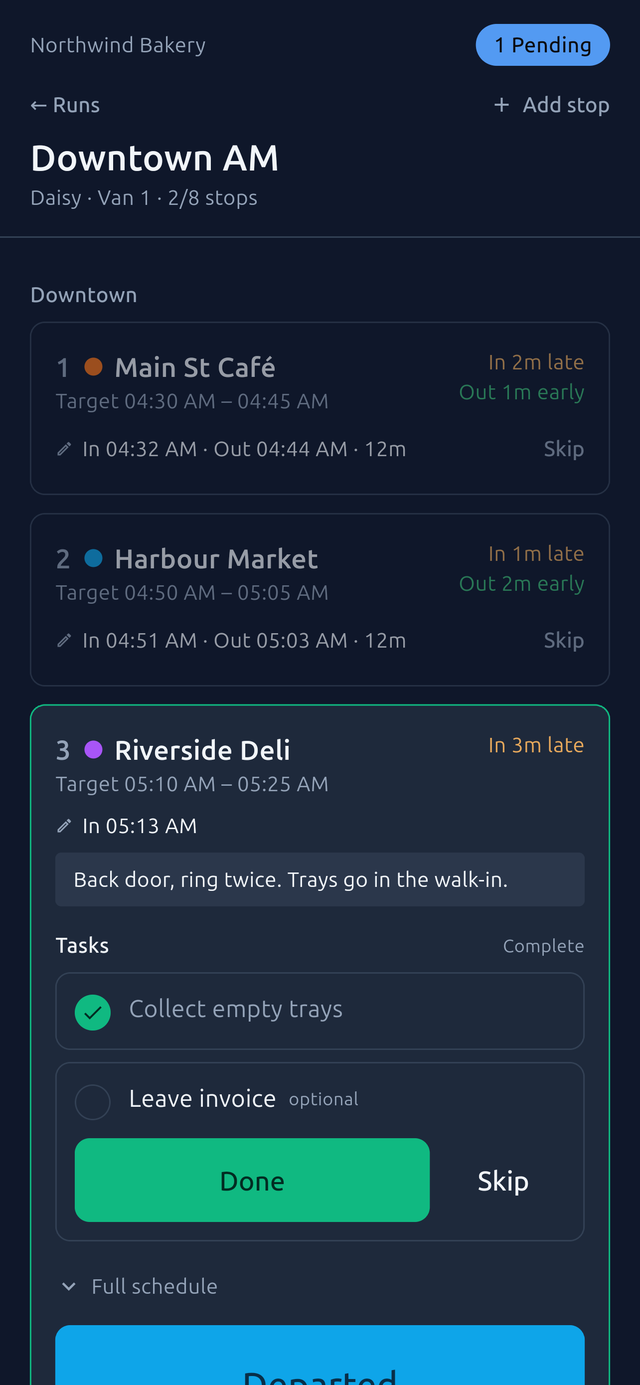
Loading docks, basements and rural routes have no reception. The app doesn't care.
Every tap is saved on the phone first and sent when there is signal. The driver never waits on a spinner, and nothing is lost if the phone is closed mid-route.
- Today's runs are on the phone before the day starts.
- Arrivals, departures, tasks and notes queue and sync in order.
- A driver can see what has not reached the office yet, and can't log out without knowing.
Everything the day needs. Nothing the driver has to learn.
Recurring routes
Templates with rounds, target times and days of the week. Edit, publish, and every future run updates.
Routes and runsStop tasks
Collect the trays, leave the invoice. Required tasks block departure until they are done or skipped with a reason.
The driver appOffline first
Records queue on the phone and sync when there is signal. A background task sends them even with the app closed.
OfflineGas card lockbox
Who has which card, right now. Photograph the receipt and the amount, litres and odometer are read for you.
Gas cards and receiptsVehicle cleaning log
What was cleaned, by whom, when. The home screen shows how long since the last one.
Vehicles and cleaningReports and CSV
On-time percentage, dwell time and the exception list, by route, driver or location. Export what you need.
ReportsPut the sheet on the phone this week.
Fourteen days free, no card. Set up a route in the office, pair a phone, and run it tomorrow morning.